
Most prompt engineering best practices reduce to one idea: the model only knows what you tell it. When an answer from ChatGPT, Claude or Gemini comes back vague or off target, the cause is almost always a missing piece of context (who it’s for, how long it should be, what “good” looks like) rather than a missing magic phrase. Anthropic’s own guidance puts it well: treat the model like a brilliant new employee who doesn’t know your norms yet.
This guide collects the twelve practices we use to write every prompt in the Promptgru prompt library, with a before-and-after example for each. The official guides from OpenAI, Anthropic and Google agree on most of them; where they differ, we say so. You’ll also find a reusable template, a simple way to test prompts before you rely on them, and the mistakes that cost the most time.
Table of Contents
1. Start with the job, not the wording
Before you type, answer three plain questions: what will you do with the answer, who will read it, and how will you know it’s good? If you can’t answer those, no phrasing trick will save the prompt.

Think of it as briefing a capable freelancer who has never met you. They’re quick and well read, but they know nothing about your product, your audience or the email thread that started all this. Whatever you leave out, they fill in with the most generic option available. Writing the brief in your notes app first, in rough sentences, slows you down just enough to notice what you forgot.
2. Be specific about the task and the deliverable
Use one clear verb and name the output. “Write a product description” leaves everything open. “Write a 90-word product description for a refillable glass spray bottle, for a zero-waste shop’s Etsy listing” closes most of the doors the model would otherwise wander through.
Anthropic suggests a simple check in its prompting best practices: show your prompt to a colleague with little context and ask them to follow it. If they’d be confused, the model will be too.
3. Give the context the model can’t see
Context is the facts that live in your head: the product, the audience, the situation, what happened last time. It does more for quality than any role or tone instruction.
| Weak | Stronger |
|---|---|
| “Write a follow-up email to a client.” | “Write a follow-up to a client who hasn’t paid a $2,400 invoice that’s 14 days late. We’ve worked together for two years and want to keep the relationship.” |
Explaining why a rule exists helps too. “Keep it under 50 words because it will be read on a phone lock screen” works better than “under 50 words,” because the model can apply the reason to choices you didn’t spell out.
4. Say who the audience is
The same facts need different words for a CFO, a customer and a ten-year-old. Name the reader and what they already know: “Readers are busy parents, not food experts” or “The audience is senior engineers; skip the basics.” This one line removes most of the over-explaining and jargon problems people blame on the model.
5. Set constraints and the output format
Length limits, banned words and a fixed structure are the cheapest way to get text you can use without rewriting it.
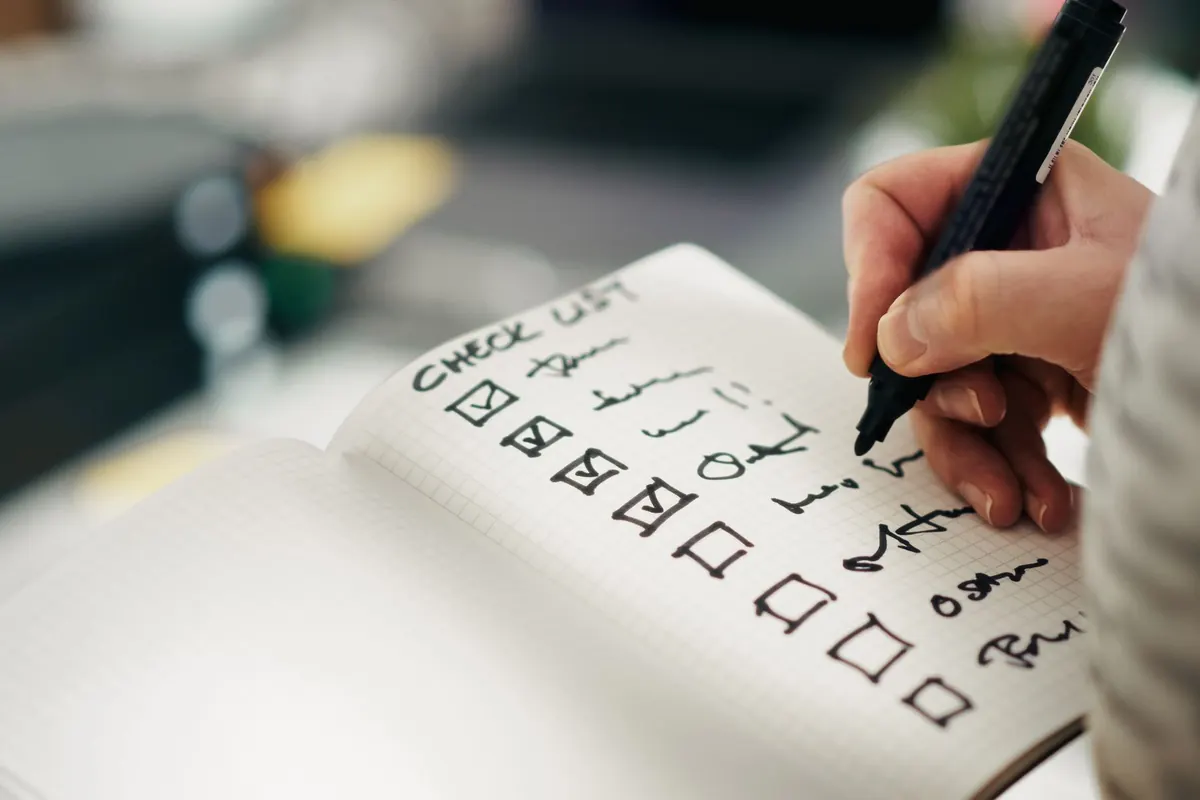
- Length: “120 to 160 words” or “three bullets, then a one-line summary.”
- Tone: “plain and friendly, like a message to a colleague.”
- Must include / must avoid: “Mention the free trial. No exclamation marks.”
- Format: a table, a numbered list, JSON with named fields, or a fixed set of headings.
Asking for a defined format also makes answers easier to compare across runs, which matters once you start testing (practice 11).
6. Show examples of what good looks like
One real sample of the tone you want often does more than a paragraph describing it. This is called few-shot prompting. Google’s Gemini prompt design guide recommends including examples in prompts by default, and Anthropic suggests three to five varied examples for the best results.
Vary them. With a single example, the model may copy its length, structure or even its topic too closely. Two or three examples that differ in subject but share the style you want teach the pattern without the clutter.
7. Structure long prompts with clear sections
Once a prompt mixes instructions, background, examples and input data, separate them so the model can’t confuse one for another. Labeled sections, Markdown headings or XML-style tags all work. Anthropic recommends XML tags for Claude specifically, but the habit helps every model.
<instructions>
Summarize the customer feedback below for the product team.
Group comments by theme and quote one example per theme.
</instructions>

<feedback>
[paste comments here]
</feedback>

<format>
A table with columns: Theme, Count, Example quote
</format>
8. Put long documents first and the question last
When you paste a long report, transcript or set of files, place it near the top and your instructions and question at the end. Anthropic reports that queries placed at the end can improve response quality by up to 30% in its tests with complex, multi-document inputs. For long documents it also helps to ask the model to quote the relevant passages first, then answer from those quotes, which keeps it anchored to the text instead of its general knowledge.
9. Ask for reasoning only when the task needs it
For multi-step problems such as pricing math, logic puzzles or debugging, asking the model to work through the steps before giving an answer can reduce mistakes. Our guide to chain-of-thought prompting covers when that helps. But many current models already reason internally, and for those, a clear, direct prompt often beats “think step by step.” If a reasoning model’s answer is long-winded, ask for the conclusion first and the working after.
10. Use roles as seasoning, not the main course
“You are an experienced copywriter” can set vocabulary and tone, and Anthropic notes that even a one-line role in the system prompt makes a difference. It’s still weaker than concrete details about the audience, goal and constraints. A role plus a vague task produces confident, vague text. Add the role after the brief is solid.
A worked example: from one line to a usable prompt
Here is a common first attempt:
Write a LinkedIn post about our new feature.The model will produce something upbeat, vague and about 200 words long. Now the same request with the best practices applied:
Write a LinkedIn post announcing a new feature in our invoicing app.

Context: The feature sends automatic payment reminders 3, 7 and 14 days
after an invoice is due. Our users are freelance designers and small agencies.
The most common complaint we hear is "I hate chasing clients for money."

Audience: Freelancers who already send invoices but feel awkward following up.

Constraints:
- 120 to 160 words
- First line must work as a hook on its own (no emojis, no "Excited to announce")
- Plain, friendly tone; one short customer-style scenario
- End with a question that invites comments

Output: The post, then two alternative opening lines.
Nothing in the second version is a secret formula. It answers the questions a good copywriter would ask before starting. Our social media content creator prompt is a ready-made version you can copy and adjust.
11. Test prompts before you rely on them
A prompt that worked once isn’t proven. Before you use one for real work, or share it with a team, run a small test.

- Write down what success means: accurate facts, under 150 words, the right tone, no made-up numbers.
- Collect five to ten real inputs, including one or two awkward edge cases.
- Run the prompt on all of them and score each result against your criteria.
- Change one thing at a time, rerun, and keep the version that scores better.
- Save the winner with notes: which model, what you fixed and what the output looked like.
Anthropic’s prompt engineering overview starts from the same idea for teams: define success criteria and a way to test against them before tuning the prompt. Developers take it further by versioning prompts like code, but the five steps above are enough for most people.
12. Iterate in the same chat and ask what it assumed
The first reply is a draft. Stay in the same conversation, because the model still has your context, and steer it with short, specific follow-ups:
- “Cut this by a third without losing the numbers.”
- “That’s too formal. Rewrite it the way you’d say it to a colleague.”
- “Give me three different angles in one sentence each before writing the full version.”
- “What did you assume that I didn’t tell you?”
That last question is underused. It surfaces the gaps in your prompt, and the answer tells you exactly what to add next time. You can also ask the model to interview you first: “Ask me up to five questions you need answered to write this well, then wait.” This is one of the reusable moves in 7 prompt patterns every ChatGPT user should know.
Best practices for image prompts
Image prompts follow the same logic, but the context is visual. Describe the subject, the setting, the light, the camera feel and what must not change. Mood words like “aesthetic” give the model almost nothing; “late-afternoon sun from behind, warm rim light on the hair, shallow depth of field” gives it a lot.

When you edit a real photo, say plainly what must stay the same: “Keep the face, skin tone and hairstyle exactly as in the uploaded photo.” Name the aspect ratio for where the picture will live, quote any text exactly, and change one thing per follow-up. Our Nano Banana Pro prompts and Gemini prompt for a professional photo show these habits in full prompts you can copy.
A reusable prompt template
Copy this skeleton and delete the lines you don’t need. It covers the core practices in an order most models handle well.
Task: [one clear verb and the deliverable]
Context: [facts about you, the product or the situation, and why it matters]
Audience: [who will read or use this, and what they already know]
Constraints: [length, tone, words to avoid, must-include details]
Format: [list, table, email, JSON, number of options]
Examples: [optional: two or three short samples of the style you want]
Input: [the document or data, placed last before the question if it's long]
Save working prompts with the variable parts in brackets, like [PRODUCT] and [AUDIENCE]. Next time you swap the brackets instead of rewriting from memory, and results stay consistent across a team. The landing page copy prompt and the article outline and draft brief are built this way. If you’d rather start from a draft, the free AI prompt generator turns a rough idea into a structured prompt you can edit.
Check the output before you use it
Chatbots write confidently whether or not they’re right. Before anything goes into a client email, a report or production code, read it the way an editor would.

- Facts and numbers: verify names, dates, prices and statistics against a primary source.
- Quotes and citations: confirm they exist. Models can produce plausible-looking references that aren’t real.
- Code: run it and read it. Our pull request code reviewer prompt is a useful second pass, not a replacement for tests.
- Privacy: don’t paste customer data, passwords or confidential documents into a consumer chatbot. Swap real names for placeholders.
Common prompt engineering mistakes
| Mistake | What happens | Fix |
|---|---|---|
| One-line request | Generic, padded answer | Add task, audience and a length limit |
| Ten instructions in one sentence | Some get ignored | Use a short bulleted list |
| Only saying what not to do | Model fixates on the banned thing | Say what you want instead |
| Asking for “the best” option | Overconfident single answer | Ask for three options with trade-offs |
| A new chat for every fix | Context is lost | Refine in the same thread |
| Huge document, no direction | Shallow summary | Say which sections matter and put the question last |
| Copying a prompt that worked for someone else | Mismatched results | Test it on your own inputs first |
Do ChatGPT, Claude and Gemini need different prompts?
The fundamentals are the same across all three: clear task, real context, a defined output. The differences show up at the edges. Claude handles long, structured instructions well and responds nicely to tagged sections. Gemini works smoothly with images and Google Workspace files. ChatGPT has a broad mix of tools, including image editing and memory. OpenAI’s prompting guide suggests putting tone or role guidance in the system message and task details and examples in the user message. If you’re choosing an assistant, our ChatGPT vs Claude vs Gemini comparison breaks down plans and strengths.
Frequently asked questions
What are the most important prompt engineering best practices?
Be specific about the task, give the context the model can’t see, set the format and length, and show an example. Those four fix most weak answers.
How long should a prompt be?
As long as it needs to be to remove guesswork. A definition might take one line; a sales page brief might take 150 words. If the answer misses, the prompt is usually missing context rather than being too long.
Why does the same prompt give different answers?
These models generate text with some randomness, so wording varies between runs. Tighter constraints and an example of the format make results more consistent.
Can I reuse ChatGPT prompts in Claude or Gemini?
Yes. Prompts with a clear task, context and output format transfer between assistants with little change, because structure matters more than the model. Test them on your own inputs first.


