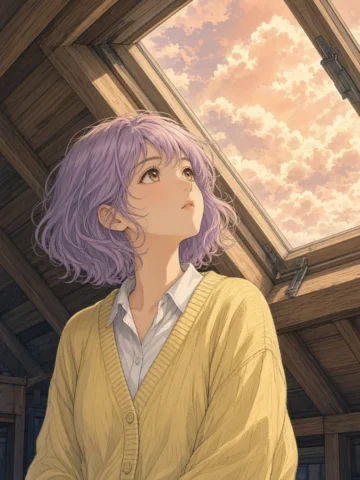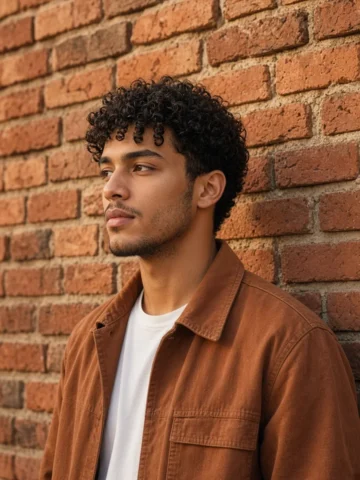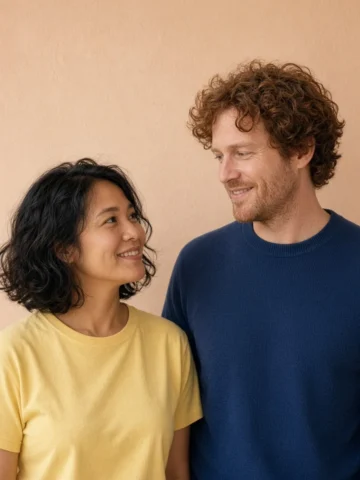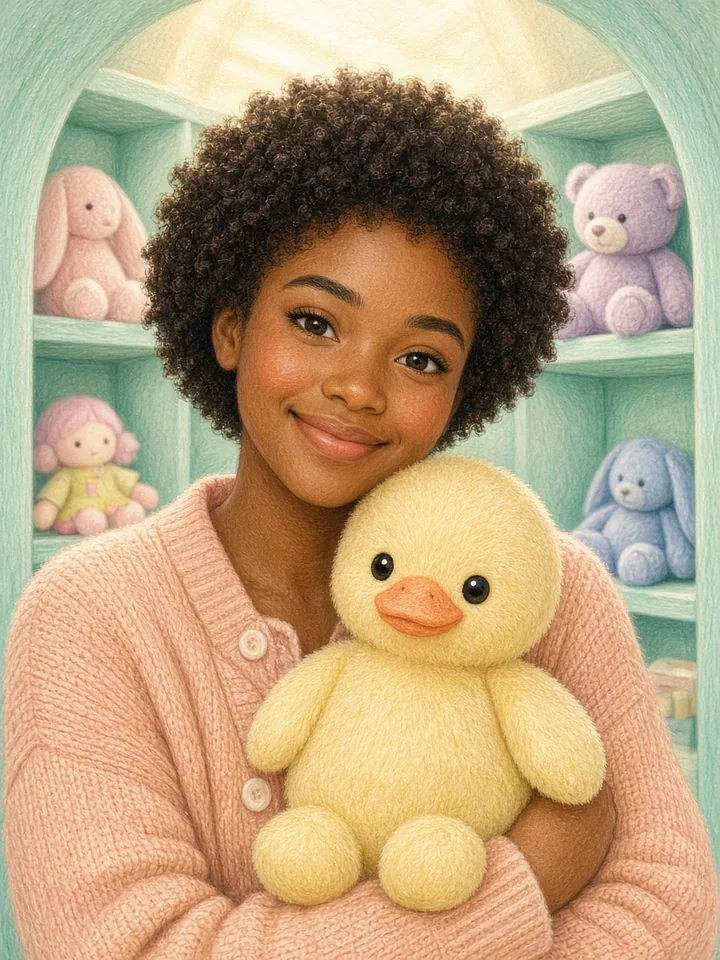
A cutecore PFP should look sweet inside a tiny circle. Pastel colors help, but the face or mascot must stay clear. The ideas below favor original characters and roomy crops. They also avoid familiar cartoon logos and busy sticker piles.
Start with the prompt in the box above. The 30 options below cover pastel portraits, plush animals, chibi characters, playful icons, matching pairs, and textured art. Choose a cutecore PFP look, then change its colors or expression to fit you.
Table of Contents
How to use cutecore PFP prompts in Gemini and ChatGPT

Pick a prompt, paste it into your image tool, and swap the character details. For a cutecore PFP, request a square canvas and central face. Check the circle crop before saving. If you use your photo, upload only one you have permission to share.
ChatGPT can create and edit images. Gemini also offers image creation and editing guidance. Try a related AI profile prompt when you want a different look. Keep changes small between versions.
Pastel cutecore portraits

A cutecore PFP with pastel faces works when the expression leads. Set the head near the center and keep decorations below eye level. Ask for one dominant color and a softer partner. That gives the icon warmth without losing contrast.
- Peach smile: “Draw an original smiling young woman with freckles, peach hair clips, cream knitwear and an almond backdrop, soft chalk grain, square 1:1, no text.”
- Lilac curls: “Illustrate a friendly teen with tight violet curls, pearl-blue sweater and one tiny felt star, pale lilac background, eye-level close portrait, square 1:1, no text.”
- Mint morning: “Create a calm adult with short dark curls, mint cardigan and blush cheeks beside a hazy sunlit wall, pastel colored-pencil texture, square 1:1, no text.”
- Honey glow: “Design an original boy with wavy honey hair, soft rim light and buttery yellow background, balanced shoulder-up crop, square 1:1, no text.”
- Blue ribbon: “Paint a cheerful woman with braided black hair, gentle side light, light paper texture and safe space around her head, square 1:1, no text.”
Plush animal cutecore icons

Animal faces make a cutecore PFP feel warm without much detail. Keep ears and paws inside the safe center. Pick a simple expression instead of many props. Soft shading can make fur look warm without hiding the shape.
- Sleepy bunny: “Paint a tiny gray bunny with folded ears resting against a sage cushion, sleepy eyes, soft gouache texture, centered square 1:1, no text.”
- Pocket bear: “Draw an original cinnamon bear cub waving one paw from a cream blanket nest, pale pink background, square 1:1, no text.”
- Cloud kitten: “Create a fluffy white kitten peeking through a single pale turquoise cloud, round eyes, peach inner ears and light pencil shading, square 1:1, no text.”
- Tiny otter: “Illustrate a baby otter clasping a small lilac shell, soft brown fur, mint pool reflection and warm side light, square 1:1, no text.”
- Duckling wink: “Design a yellow duckling with one playful wink and an apricot neckerchief, subtle shadow and crisp outline, square 1:1, no text.”
Chibi and soft anime avatars

Chibi faces suit a playful cutecore PFP, but tiny features need care. Ask for an original character with large, clear eyes. Keep hair strands broad and the background quiet. Avoid famous costumes or familiar character marks.
- Cherry chibi: “Create an original chibi girl with chestnut twin buns, sheer cream sky, smooth cel shading, center her face, square 1:1, no text.”
- Moonlight boy: “Illustrate an original chibi boy with silver-blue fringe, pale amber hoodie and a tiny paper moon, soft dusk light, lavender backdrop, square 1:1, no text.”
- Garden friend: “Design a youthful original chibi person with dark bob hair, seafoam apron and one daisy tucked behind an ear, pencil watercolor, square 1:1, no text.”
- Knit cap: “Draw a smiling adult chibi with copper curls, faint pink cheeks, simple pale cream backdrop and bold readable eyes, square 1:1, no text.”
- Little star: “Paint an original anime-inspired young man with soft green hair, blush jacket and one tiny glowing star above his shoulder, diffused light, centered 1:1 crop, no text.”
Dreamy pastel world icons
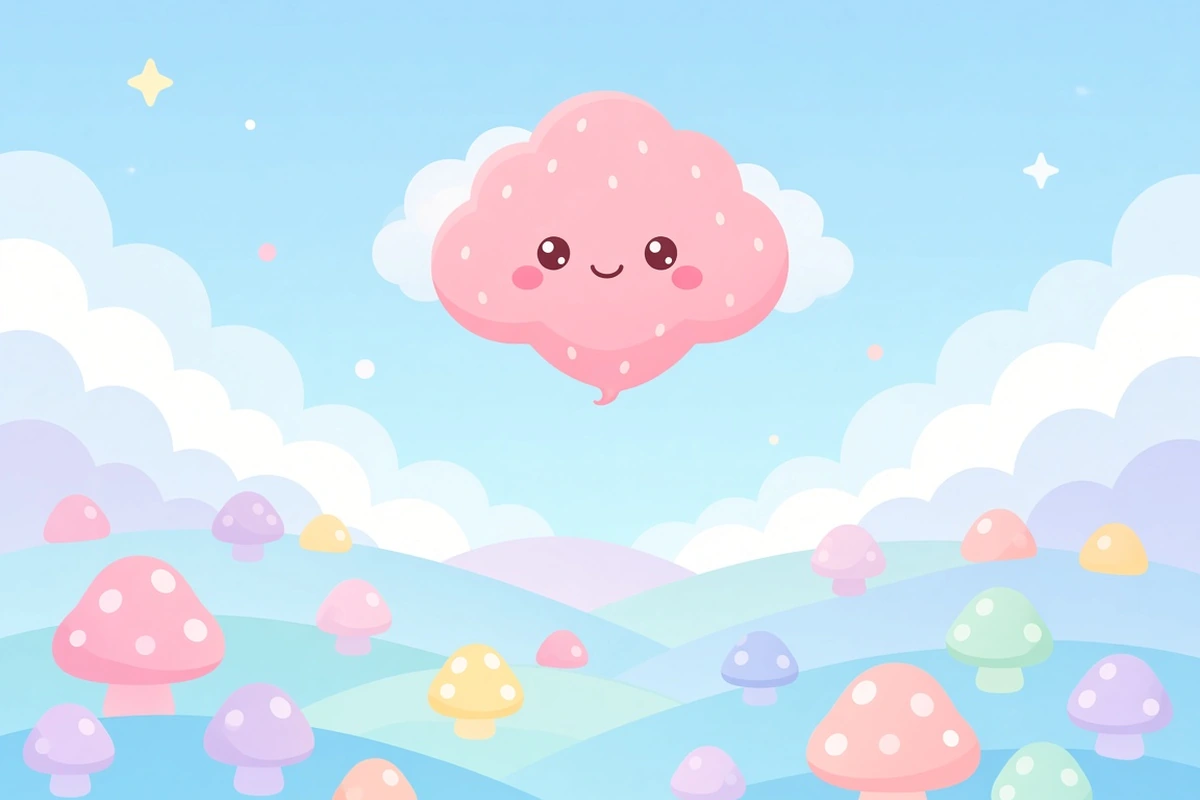
A cutecore PFP can show a creature or object instead of a person. Give the viewer one clear focal point. Use a low-detail backdrop and a small light cue. The result should make sense even as a thumbnail.
- Cloud peach: “Create a rounded peach-shaped cloud with sleepy eyes above a powder-blue hill, soft morning haze and sparse white sparkle dots, square 1:1, no text.”
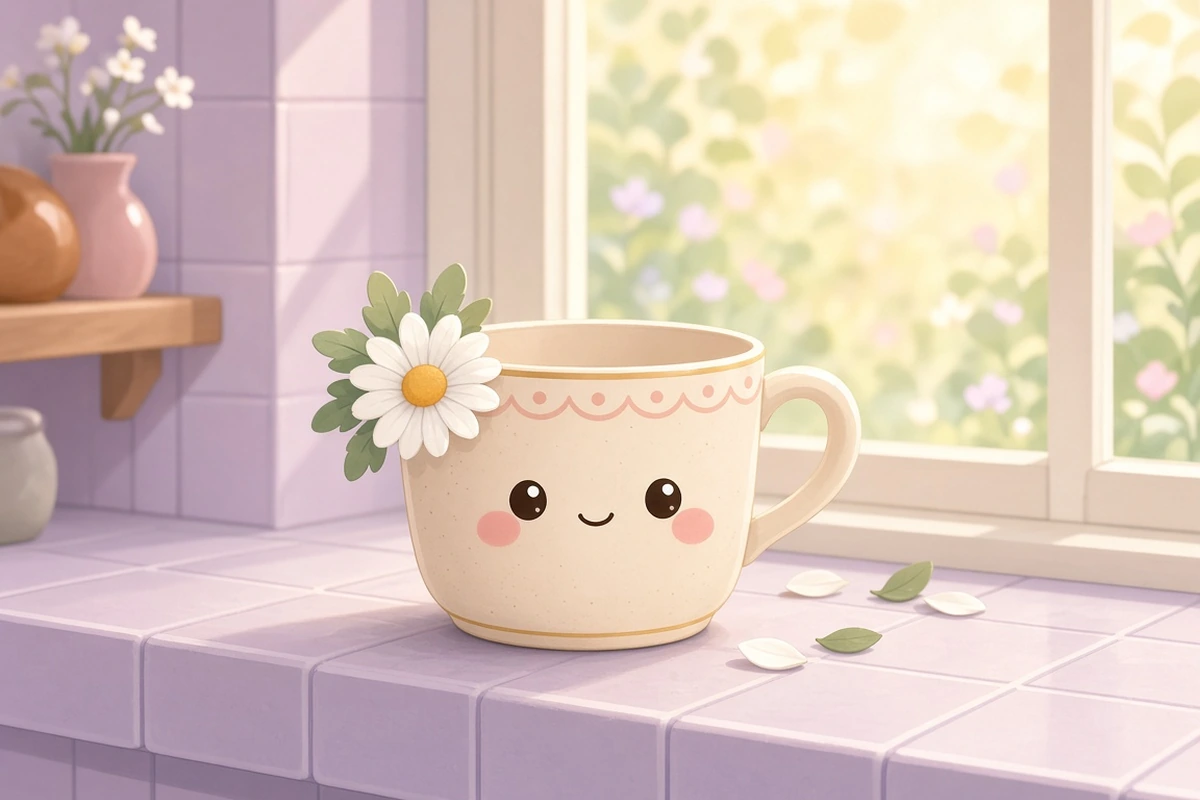
- Teacup friend: “Draw a rosy ceramic teacup mascot with bright eyes and a single steam curl, warm biscuit-colored tabletop, square 1:1, no text.”
- Star pond: “Illustrate a smiling lilac star floating above a tiny jade pond with one water lily, overhead moon glow, square 1:1, no text.”
- Berry cottage: “Paint a miniature strawberry-roof cottage with two round windows and a tiny sprout, misty mint meadow, gouache texture, square 1:1, no text.”
- Happy lantern: “Create a round paper lantern mascot in butter yellow, tiny closed eyes, a soft coral blush and sky-blue dusk background, square 1:1, no text.”
Matching cutecore profile pictures

Matching cutecore PFP sets need one shared trait. Repeat the palette, angle or small prop, then change each subject. Create each icon as its own image. That lets both people use a complete, readable avatar.
- Bear and fox: “Design one original blush-pink fox avatar holding a cream leaf; match it to a separate mint bear avatar with the same angle and light, square 1:1, no text.”
- Sun and moon: “Create a smiling buttery sun icon on pale blue; design its separate partner as a lilac moon with matching brush texture and scale, square 1:1, no text.”
- Twin ribbons: “Draw one original adult character with dark curls and a small coral bow; make a partner icon with silver hair and a mint bow, equal crops, square 1:1, no text.”
- Kitten pair: “Paint one cream kitten with a soft blue scarf, then a separate ginger kitten with a peach scarf; match their calm expressions and gaze angle, square 1:1, no text.”
- Candy buddies: “Illustrate a cheerful lavender macaron with tiny eyes, then a separate vanilla macaron with matching facial placement; keep the backgrounds lightly contrasting, square 1:1, no text.”
Pixel and textured cutecore styles

Texture can give a cutecore PFP its character. Pixel art needs a firm silhouette and fewer colors. Felt or crayon effects work better with larger shapes. Keep the face bold enough to survive a tight crop.
- Pixel lamb: “Create an original pixel-art lamb wearing a powder-pink scarf, cream wool and simple dark eyes, centered square 1:1, no text.”
- Felt mushroom: “Design a smiling plush mushroom with pale apricot cap and ivory stem, gentle window light and cream toy-room backdrop, square 1:1, no text.”
- Crayon fox: “Draw a curled baby fox in soft red-orange crayon, one teal ribbon and a pale lemon background, square 1:1, no text.”
- Bead frog: “Create a bright sage frog character with black bead eyes and rosy cheeks, close low camera angle, square 1:1, no text.”
- Paper whale: “Illustrate a tiny smiling blue whale made from layered paper shapes, one pale coral water spout, square 1:1, no text.”
Fix common mistakes in AI cutecore avatars

Small icons can lose their eyes, ears, or soft shapes. Ask for one fix at a time. Try “Center the face.” Then request “Keep both ears visible.” Remove stray objects before changing colors. A cutecore PFP needs less detail than a full portrait.
The OpenAI image input guide explains how to supply visual references. If the style drifts, restate the color pair and the crop. Review the image at thumbnail size, not only full-screen.
More sweet avatar inspiration

Find a cutecore PFP partner in a Christmas profile picture for seasonal color cues. An anime cherry blossom image offers another soft setting. Match your avatar with cute winter wallpaper or aesthetic Christmas wallpaper. These links offer variety without copying another character.
Questions about cutecore PFP
What makes a cutecore profile picture easy to recognize?

A soft palette, rounded shapes, and one clear expression create the look. Keep the subject large enough to read in a small icon.
Can I create a cutecore avatar without uploading my photo?
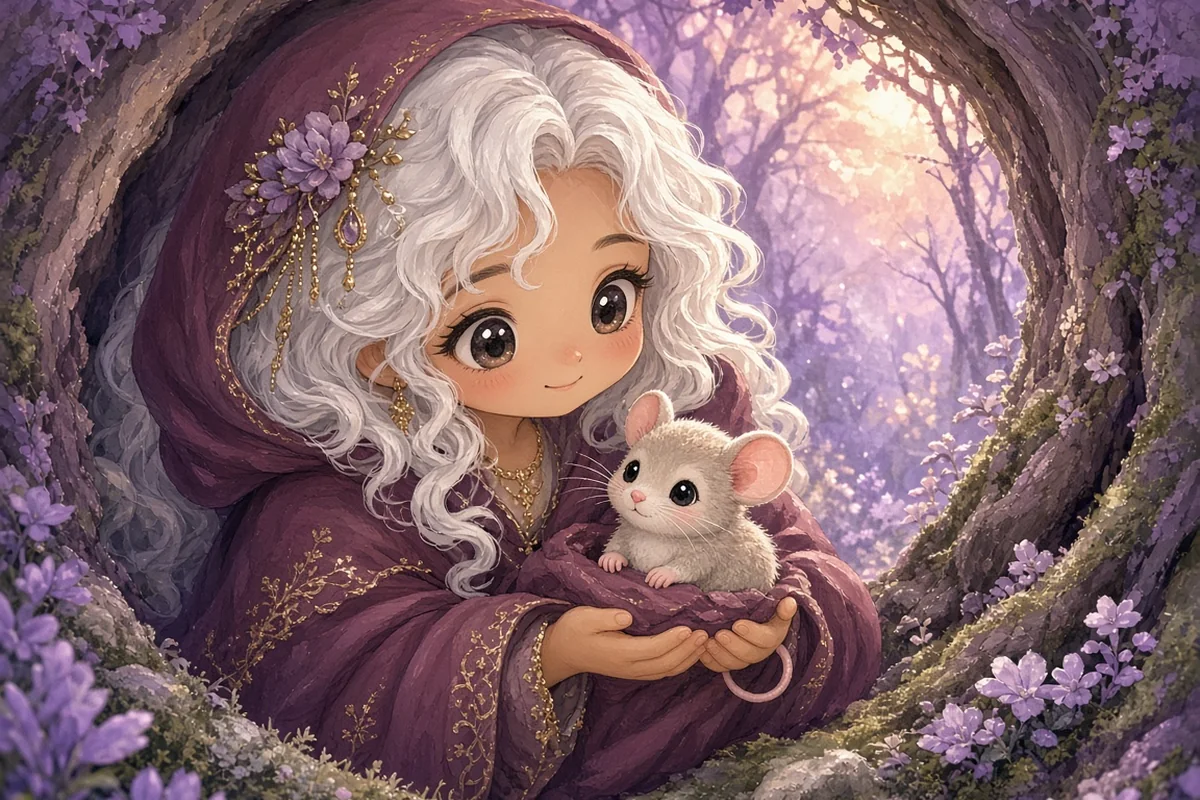
Yes. Describe an original cutecore PFP character, animal, or mascot in ChatGPT or Gemini. You can use the prompts without sharing a personal image.
How do I make the picture work in a circular crop?

Generate a square cutecore PFP with the face near the center. Leave room around hair and ears, then check the circular preview before using it.
Can two friends use matching cutecore profile pictures?

Yes. Create separate images with one shared palette, light direction, or small detail. Give each character a distinct expression and silhouette.