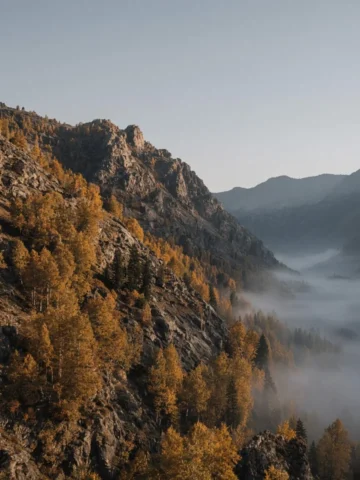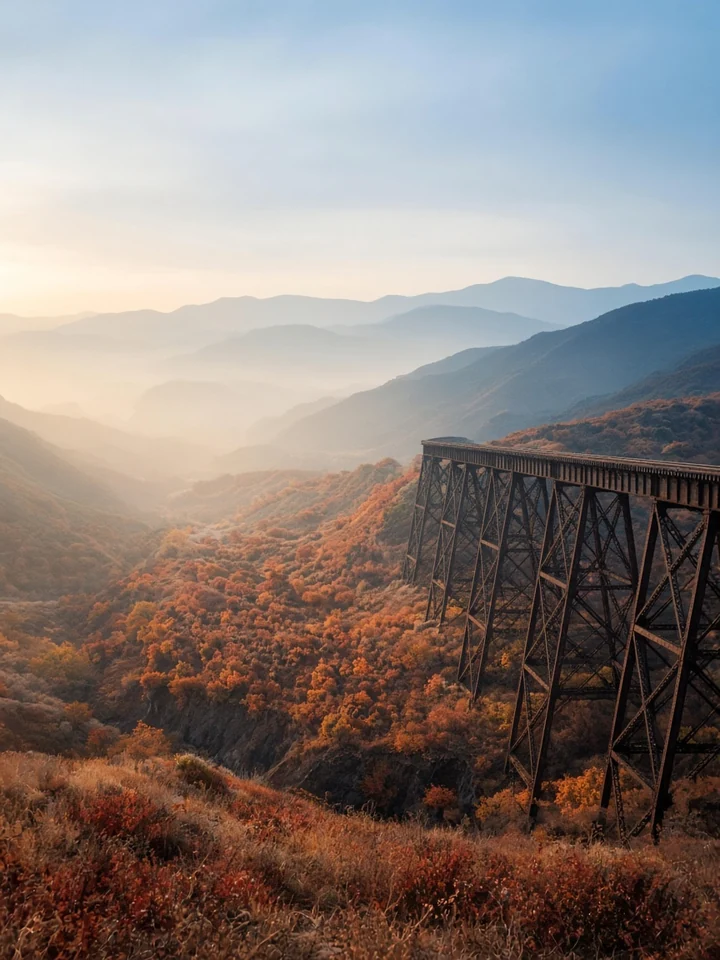
Fall desktop wallpaper looks best when the image fits your screen and your daily routine. Deep bronze hills, quiet city details, and warm textures can all work. What matters most is leaving enough calm space for your desktop icons.
Start with the prompt in the box above. The 30 fall desktop wallpaper options below cover scenic horizons, city details, simple backgrounds, cozy spaces, darker scenes, and painted designs. Each prompt gives you a new wide-screen starting point.
Table of Contents
How to use fall desktop wallpaper in Gemini and ChatGPT

Copy a prompt into ChatGPT or Gemini and request a 16:9 image first. For a taller laptop display, ask for 16:10. Give your main subject room on the right if your desktop icons appear on the left. Leave edges clear for later cropping. Name the screen size in your fall desktop wallpaper prompt so the tool frames the scene for a monitor.
The OpenAI image guide explains edits and aspect ratios. Gemini image help covers image creation. For Windows screens, check the recommended resolution first. Browse wallpaper ideas for more styles.
Wide scenic autumn horizons
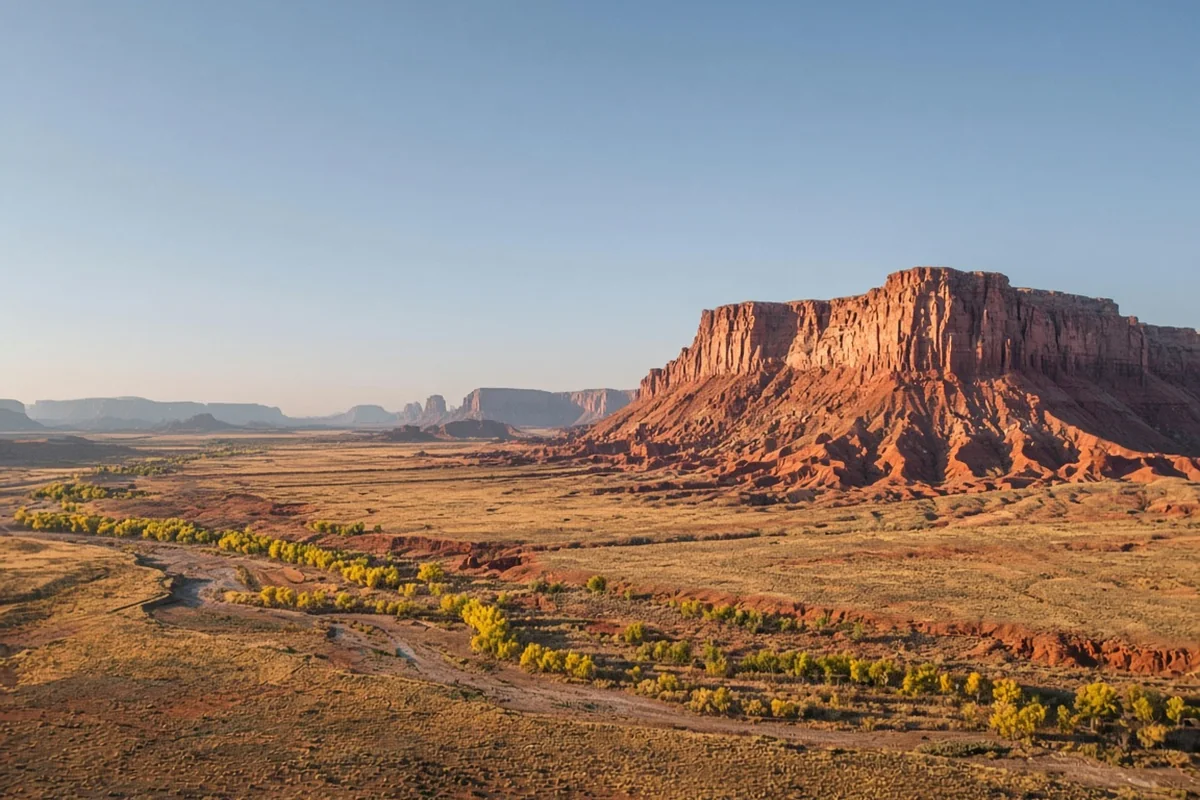
A wide fall desktop wallpaper can hold a strong view without hiding your folders. Choose distant layers, a low horizon, and a single clear shape. Keep the left side quiet if your icons live there.
- Sandstone mesa: “Generate a broad rust-red mesa rising from a dry autumn plateau, high camera from an opposite bluff, soft light, clear left, wide 16:9, no text.”
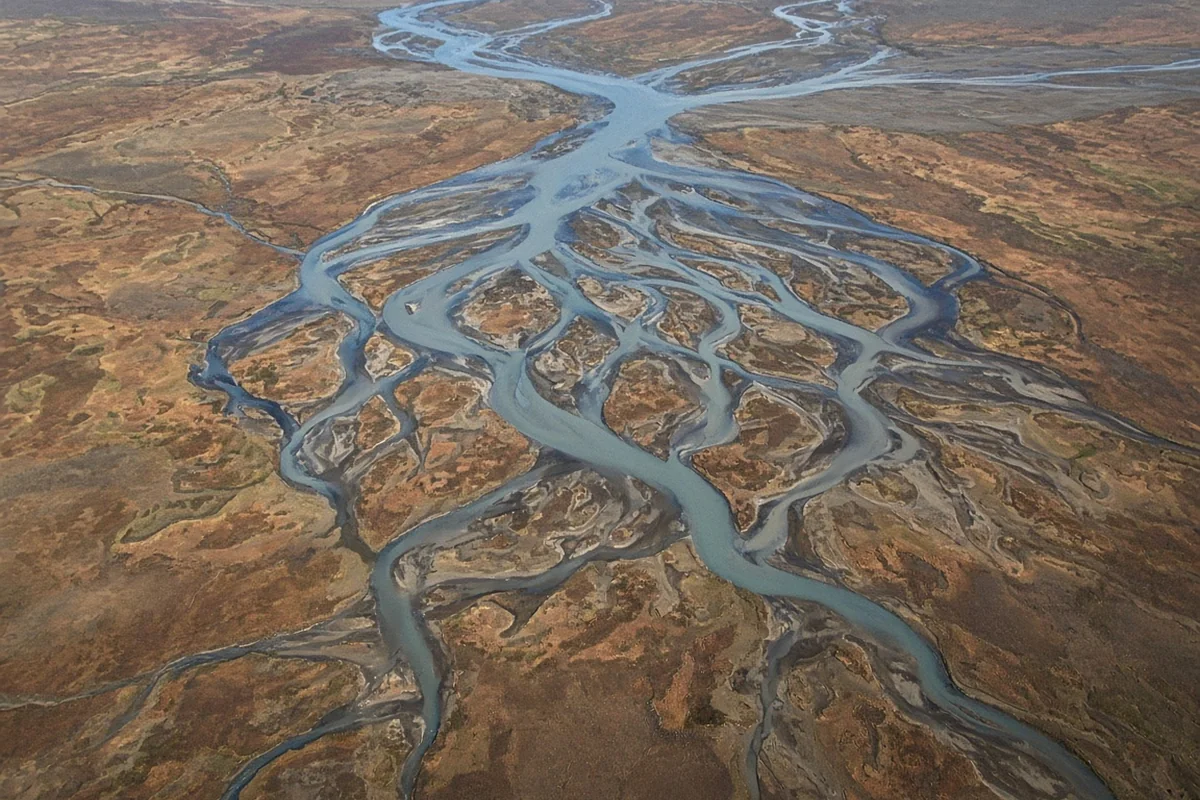
- Copper badlands: “Create gentle copper hills cut by pale winding gullies, panoramic high angle, soft dawn cloud cover, soft light, clear left, wide 16:9, no text.”
- Distant island: “Show a low island of golden grass across a smooth blue inlet, shore-level perspective, cool morning mist, soft light, clear left, wide 16:9, no text.”
- Harvest skyline: “Photograph rolling ocher farmland with a distant line of grain elevators, long lens from an empty ridge, soft light, clear left, wide 16:9, no text.”
- Amber escarpment: “Render a wide rocky escarpment edged by sparse copper bushes, distant side view in light rain haze, soft light, clear left, wide 16:9, no text.”
Urban autumn details
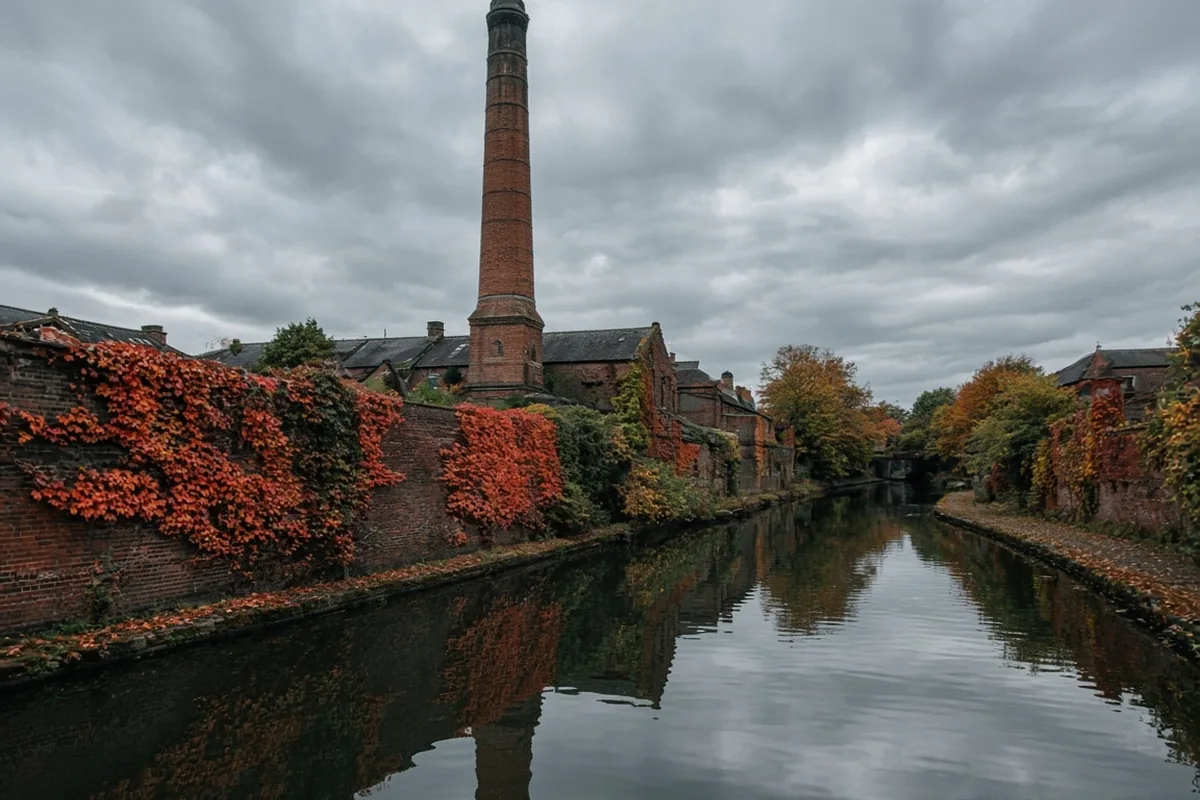
City fall desktop wallpaper needs a softer touch on a busy screen. Give one building the focus. A quiet wall, sky, or stretch of water can hold icons without hiding the season.
- Mill canal: “Photograph a silent redbrick mill beside a narrow canal with rust ivy climbing one wall, soft light, clear left, wide 16:9, no text.”
- Copper rooftops: “Create a view over plain old town rooftops touched by copper vine leaves, soft light, clear left, wide 16:9, no text.”
- Autumn viaduct: “Show a stone viaduct above a broad dry river basin with sparse amber trees, distant three-quarter angle, soft light, clear left, wide 16:9, no text.”
- Empty tramline: “Depict unused tram tracks curving past an ivy-covered warehouse exterior, low ground camera, overcast daylight, soft light, clear left, wide 16:9, no text.”
- Quiet courtyard: “Render a weathered copper sculpture at the far end of an empty paved courtyard, distant eye-level view, soft light, clear left, wide 16:9, no text.”
Minimal desktop backgrounds

Minimal fall desktop wallpaper works when one shape sets the mood. Limit the palette and leave broad smooth areas. A plain backdrop keeps work folders easy to find across the screen.
- Bronze gradient: “Make a soft burnt-orange gradient blending into deep muted olive with one faint curved highlight on the far right, soft light, clear left, wide 16:9, no text.”
- Quiet stripe: “Create one slim ocher diagonal stripe crossing a broad warm gray surface, crisp flat graphic style, soft light, clear left, wide 16:9, no text.”
- Clay layers: “Design three overlapping organic clay shapes in terracotta, pale almond, and charcoal green, simple matte cut-paper style, soft light, clear left, wide 16:9, no text.”
- Soft horizon: “Paint a thin copper horizon under a large pale cream sky, soft light, clear left, wide 16:9, no text.”
- Dark bronze: “Generate a near-black forest-green surface with a single diffuse bronze circle on the right, soft light, clear left, wide 16:9, no text.”
Cozy still-life desktop scenes
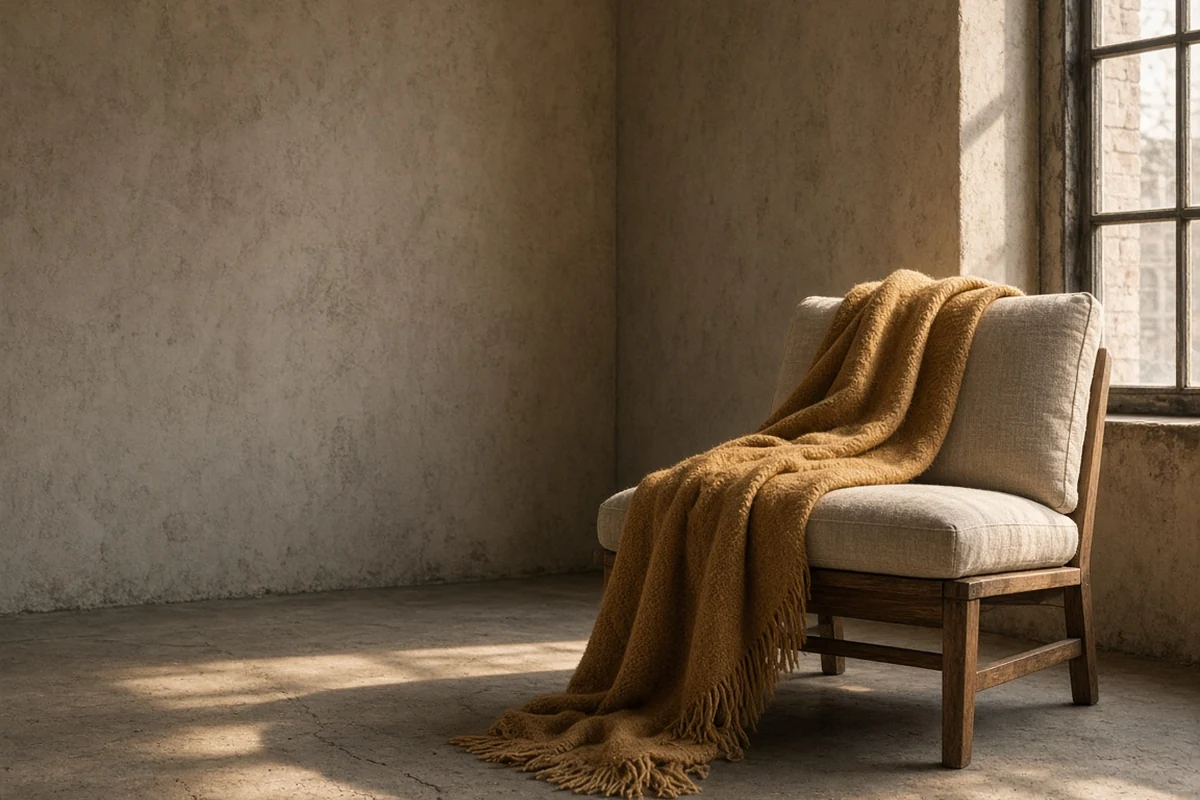
Cozy fall desktop wallpaper should feel warm, not crowded. Use one simple setup and soft light. Place the subject off center so the background can handle a row of icons or folders.
- Terrace tea: “Photograph one unmarked cream teacup and ocher napkin on a stone terrace ledge, close diagonal viewpoint, soft light, clear left, wide 16:9, no text.”
- Copper blanket: “Show a single woven copper throw folded across the arm of a plain chair beside a bare wall, soft light, clear left, wide 16:9, no text.”
- Window shadow: “Capture a warm leaf-shaped shadow falling onto a pale limewash wall from an unseen outdoor branch, soft light, clear left, wide 16:9, no text.”
- Autumn pastry: “Depict one round pear tart on a dark ceramic plate at a kitchen pass-through, close three-quarter view, soft light, clear left, wide 16:9, no text.”
- Wool scarf: “Photograph a folded deep-gold wool scarf on the end of a weathered bench against a smooth faded plaster wall, soft light, clear left, wide 16:9, no text.”
Dark and moody autumn screens
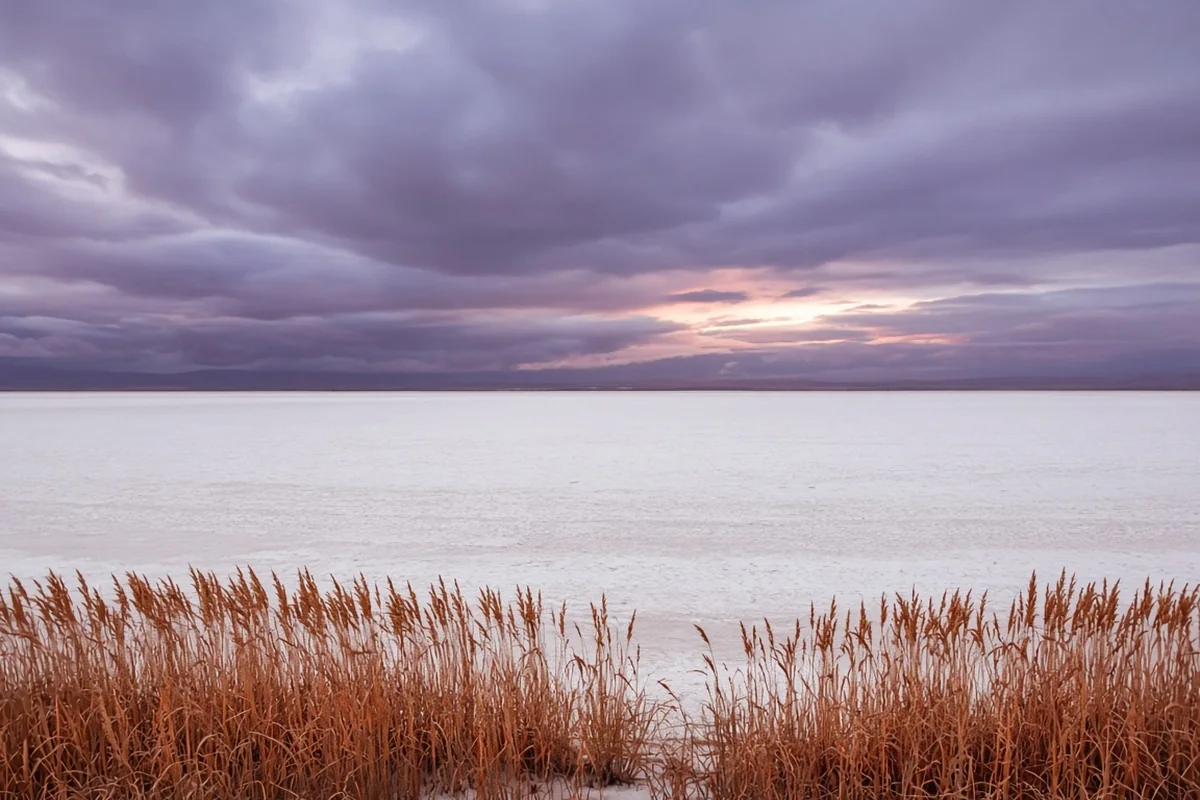
Dark fall desktop wallpaper can make bright icons stand out. Keep any glow small and place shadows where your folders sit. Try navy, charcoal, bronze, or deep green instead of pure black.
- Tundra storm: “Show deep copper tundra under heavy blue-black clouds, ground-level wide lens, distant pale light on the right, soft light, clear left, wide 16:9, no text.”
- Harbor glow: “Capture quiet fishing nets on a bare harbor breakwater with distant amber glow across the water, soft light, clear left, wide 16:9, no text.”
- Slate canyon: “Create a narrow slate canyon opening onto a bronze distant basin, low wide camera, mist at dusk, soft light, clear left, wide 16:9, no text.”
- Moonlit ridge: “Render a rocky ridge carrying sparse russet shrubs beneath a half-hidden moon, telephoto long view, soft light, clear left, wide 16:9, no text.”
- Quiet industrial: “Photograph an empty ironworks yard with copper pipes and wet black paving, level wide shot after rain, soft light, clear left, wide 16:9, no text.”
Artful autumn landscapes

Stylized fall desktop wallpaper can feel personal without looking childish. Pick a clear art medium and name it. Keep the final export wide, with detail away from the icon area.
- Paper dunes: “Create folded paper dunes in rust, moss, and muted coral, layered paper-art illustration, gentle side lighting, soft light, clear left, wide 16:9, no text.”
- Ink delta: “Draw a branching river delta through copper reeds in delicate ink and pale watercolor, aerial view, soft light, clear left, wide 16:9, no text.”
- Autumn mosaic: “Design an abstract mosaic of ocher stone fragments and dark green glass curves, refined ceramic texture, soft light, clear left, wide 16:9, no text.”
- Tonal ridge: “Paint a pale limestone mountain ridge with three dusty orange shrubs, fine grain pastel illustration, soft light, clear left, wide 16:9, no text.”
- Bronze lines: “Create thin flowing bronze contour lines over a charcoal plum ground, elegant digital line artwork, soft light, clear left, wide 16:9, no text.”
Fix common mistakes in AI desktop backgrounds

A strong fall desktop wallpaper can still fail once icons cover its best detail. Ask for one fix at a time. Try “Move the subject right.” Then request “Simplify the left side.” If the angle tilts, say “Level the horizon.”
Windows offers Fill, Fit, and other picture settings; Microsoft explains each choice. Fill mode may crop your fall desktop wallpaper. Save a fresh version rather than stretching a narrow phone image. Check the result behind your real icons.
More autumn screen inspiration
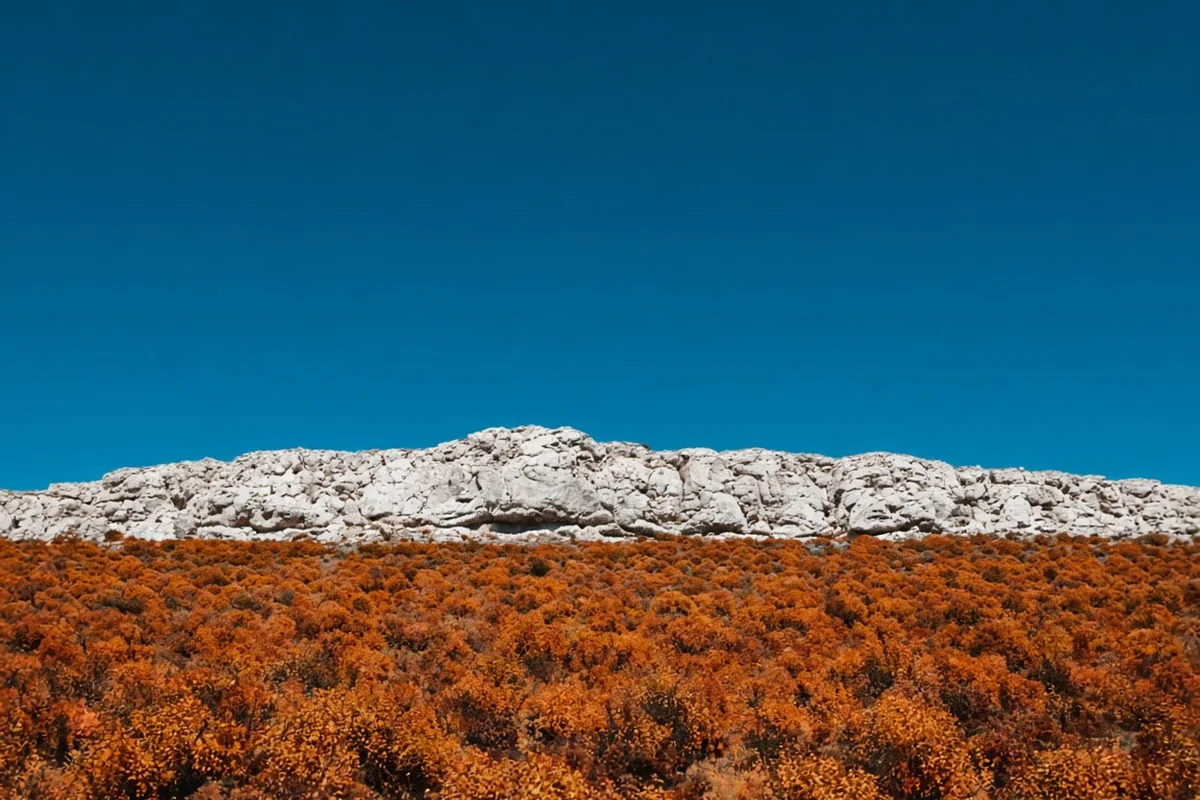
Fall desktop wallpaper need not stay orange. For tall phone crops of the same season, see fall wallpaper. Browse winter wallpaper for cool tones. Cute fall wallpaper gives a playful option, while Thanksgiving backgrounds add warm seasonal details. When you adapt any idea, keep the export wide.
Questions about fall desktop wallpaper

What size works best for a fall desktop wallpaper?
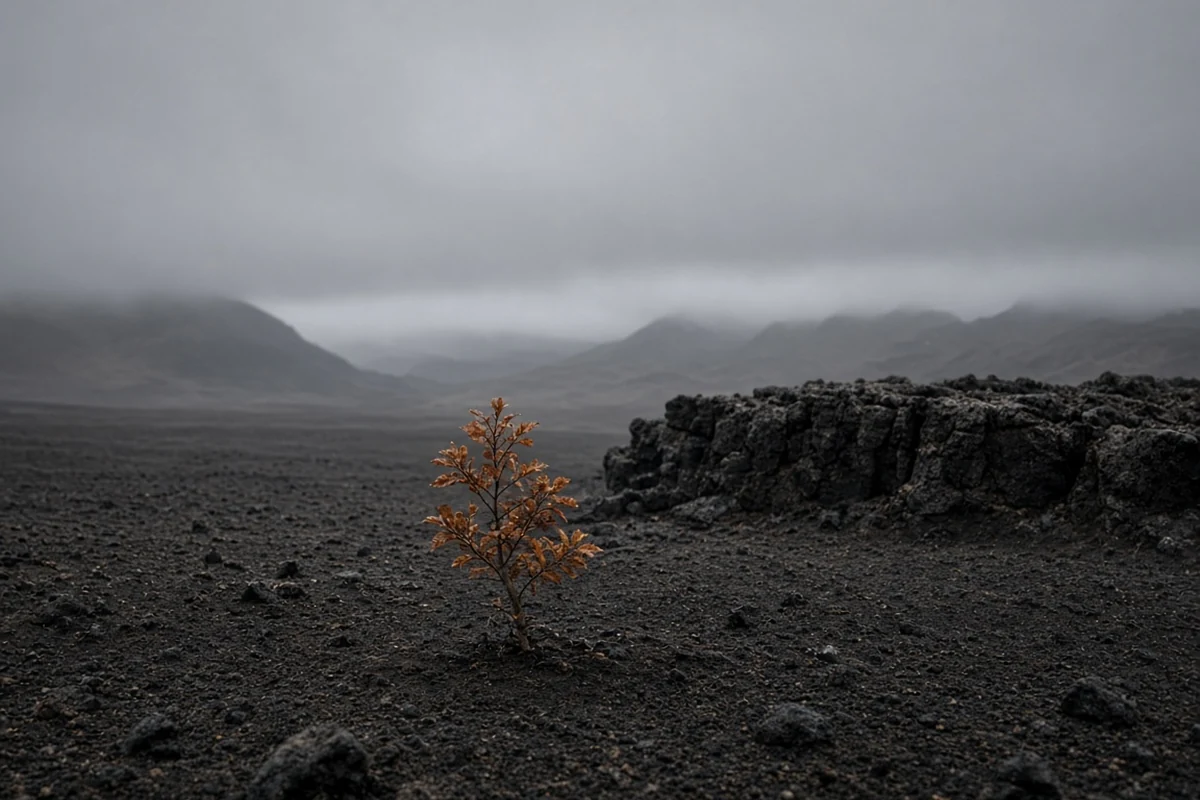
Match the image shape to your display. Try 16:9 for a wide monitor or 16:10 for many laptop screens, then check the crop.
How do I leave space for desktop icons?

Ask for one main subject toward the right and a calm left side. A busy fall desktop wallpaper hides folders, so keep the left third plain. Move the detail if your own icons use another area.
Can ChatGPT make a wide autumn wallpaper?

Yes. Describe your scene and request a wide aspect ratio. Check the result at full screen, then ask for a cleaner crop if needed. You can also turn a phone image into a fall desktop wallpaper by asking for a wider scene.
How do I set an autumn image as my background?
In Windows, open Personalization and Background to choose a picture. On other systems, choose your image through the wallpaper settings.