Most winter wallpaper you download was made for somebody else’s screen. A gorgeous mountain photo gets cropped into a sliver on an iPhone, the clock lands on the one interesting tree, and your app icons cover the cabin. When you generate the image yourself, you can ask for the right shape and leave the top of the frame calm so the time and widgets have somewhere to sit.
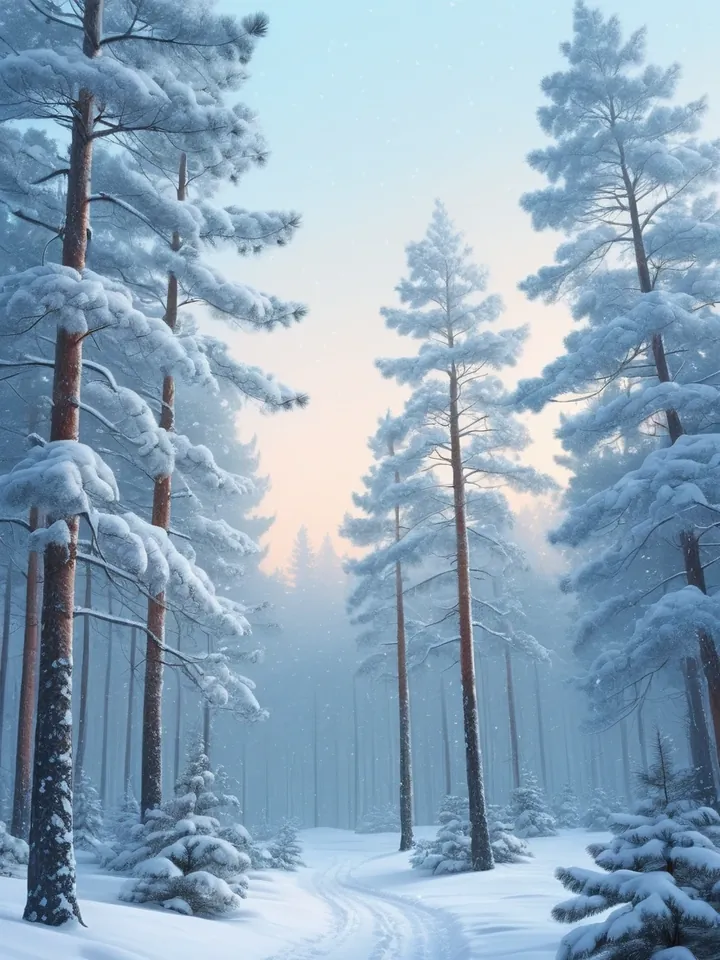
The prompt above made the snowy forest at the top of this page. Below are 30 more winter background prompts in six moods, a size chart for phones, tablets and monitors, and the small wording changes that turn a pretty picture into a wallpaper you can actually read your notifications over.
Table of Contents
What makes a winter wallpaper work on a screen
A good wallpaper is mostly empty in the right places. Build every prompt from these four parts:
- Scene: what you see, such as “snowy pine forest at dawn.”
- Light and palette: “soft pale blue and silver light” or “warm amber cabin glow against navy.” Two or three colors keep the screen calm.
- Clock zone: “the top third calm pale sky” on phones, or “the left half quiet” on desktops where icons sit.
- Shape and finish: “vertical composition” or “wide 16:9,” plus “highly detailed” and “no text.”
Leave out words like “busy,” “intricate everywhere,” or long lists of objects. Every extra object is something your icons will fight with.
Snowy forest and mountain winter backgrounds
- Dawn forest (the main prompt above): snowy pines, pale blue light, calm sky at the top.
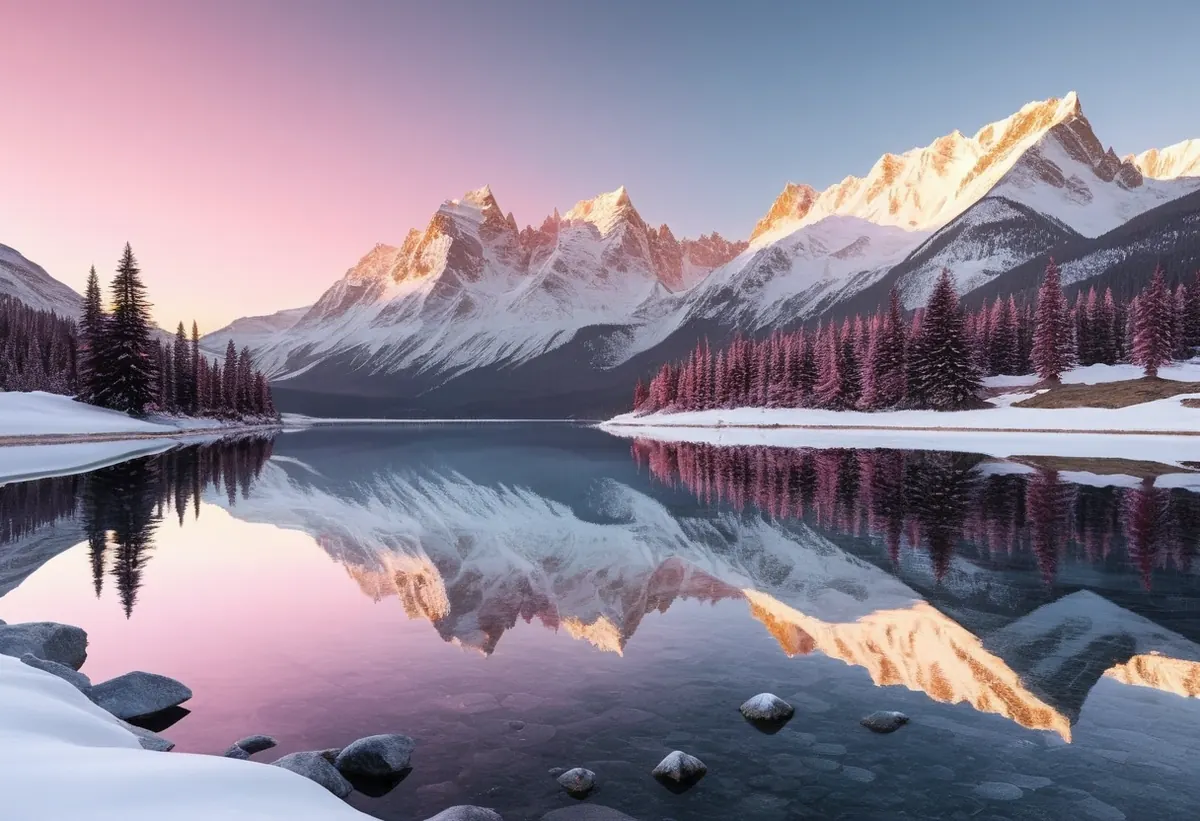
- Frozen lake at sunrise: “Wide winter landscape desktop wallpaper, frozen lake reflecting snow-covered mountains at sunrise, pink and gold light on the peaks, pine trees on the shore, crisp detail, the left side calm sky, landscape photo, no text.”
- Birch grove: “White birch trees in deep snow, soft overcast light, gentle snowfall, minimal Scandinavian mood, vertical phone wallpaper, no text.”
- Mountain ridge at blue hour: “Snow-covered mountain ridge at blue hour, a single trail of footprints leading up, deep blue and lavender sky in the top half, photorealistic, vertical.”
- Snowy trail: “Forest path covered in fresh snow winding into fog, tall pines on both sides, quiet morning, photo, vertical.”
- Alpine valley: “Wide alpine valley in winter with a small wooden chalet, snowy slopes, clear blue sky, crisp detail, 16:9 desktop wallpaper.”
Cozy cabin and village scenes
Warm windows against cold snow is the most popular winter wallpaper look, because the contrast reads at a glance.
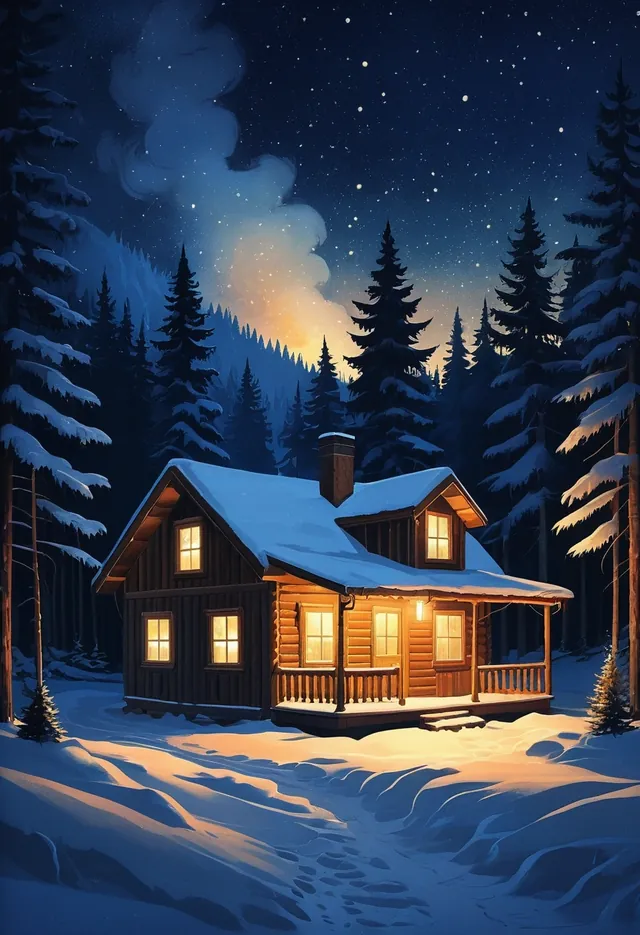
- Cabin at night: “Cozy wooden cabin in deep snow at night, warm golden light in the windows, smoke from the chimney, snowy pines around it, starry navy sky filling the top half, painterly illustration, vertical phone wallpaper, no text.”
- Window view: “View from inside a cabin window, frost on the glass corners, snowy forest outside, a mug of cocoa on the sill, warm interior light, vertical.”
- Village lane: “Narrow European village lane in snow at dusk, glowing shop windows, string lights, soft snowfall, painterly, vertical.”
- Lantern on snow: “Single old lantern glowing on fresh snow, bokeh of falling snowflakes, dark blue background, minimal, vertical.”
- Ski lodge: “Timber ski lodge at twilight, skis leaning by the door, warm light, snowy mountains behind, photo, 16:9.”
Minimal and aesthetic winter wallpaper
Minimal designs are the best choice if your home screen is full of icons.
- Frost macro: “Macro photo of frost crystals on a window, icy blue and white, soft focus edges, minimal, vertical.”
- Single snowflake: “One detailed snowflake in the center of a plain navy background, soft glow, minimal, vertical.”
- Snow hills gradient: “Soft rolling snow hills in pastel blue, lilac and white gradients, flat minimal illustration, vertical.”
- Pine silhouette: “One small pine tree silhouette at the bottom of a pale winter sky, huge empty space above, minimalist, vertical.”
- Beige winter: “Neutral beige and cream winter scene, a few bare trees and soft snow, film photo look, muted, vertical.”
- Snow line art: “Thin white line drawing of mountains and pines on a dark slate background, minimal, vertical.”
Night skies and northern lights
- Aurora over pines: “Green and violet northern lights over a snowy pine forest, starry sky, reflection on snow, photorealistic, vertical.”
- Moonlit snowfield: “Full moon over a silent snowfield, long blue shadows, a few pines, cold clear night, vertical.”
- Milky Way over a frozen lake: “Milky Way above a frozen lake with snowy mountains, deep navy sky, astrophotography, 16:9.”
- Lighthouse in snow: “Snowy lighthouse at night with its beam crossing a dark sea, soft snowfall, cinematic, vertical.”
For an animated feel on iPhone, pick a night scene with a dark top half and turn on the depth effect. Apple’s guide to customizing the Lock Screen shows where the setting lives.
Winter animals and wildlife
- Red fox in snow: “Red fox curled up in fresh snow, frost on its fur, soft morning light, wildlife photo, vertical.”
- Snowy owl: “Snowy owl perched on a frosted branch, pale blue background, sharp eyes, vertical.”
- Deer at the forest edge: “Deer standing at the edge of a snowy forest at dawn, mist, quiet mood, photo, vertical.”
- Husky team: “Sled dogs running across a snowy plain, motion and spray of snow, low sun, 16:9 desktop wallpaper.”
- Robin on a branch: “Robin on a snow-covered branch with red berries, soft blurred background, vertical.”
Desktop and dual-monitor winter backgrounds
- Ultrawide mountain panorama: “Ultrawide 21:9 winter mountain panorama, low sun, snow plumes blowing off the ridge, the center calm.”
- Dual-screen forest: “Extra wide 32:9 snowy forest scene that splits cleanly into two halves, a frozen river in the middle, photorealistic.”
- Laptop cabin desk: “Wide 16:10 winter scene of a cabin interior with a fireplace on the right and a snowy window on the left, warm light, the left side uncluttered.”
- Clean snowy plain: “Wide snowy plain under a pastel sunrise, tiny cabin at the far right, the left two thirds empty for icons, 16:9.”
Winter wallpaper sizes for each screen
Generate at the closest shape your tool allows, then crop. ChatGPT offers portrait and landscape options, Gemini follows aspect ratios written in the prompt, and Midjourney uses the aspect ratio parameter, for example --ar 9:19.5.
| Screen | Shape to ask for | Pixels to aim for |
|---|---|---|
| iPhone 15 and 16 | Vertical, 9:19.5 | 1179 x 2556 |
| Most Android phones | Vertical, 9:20 | 1080 x 2400 |
| iPad | Near square, 3:4 | 2048 x 2732 |
| Laptop or monitor | Wide, 16:9 or 16:10 | 1920 x 1080 or larger |
| Ultrawide monitor | 21:9 | 3440 x 1440 |
If the generator gives you something smaller, an AI upscaler or the free upscale button in many image tools will get you there without blur. Our guide to the best AI image generator compares which tools handle wide and tall shapes well.
How to set your new winter background

On iPhone, open Settings, then Wallpaper, then Add New Wallpaper, and choose your image from Photos. Android phones use a similar Wallpaper and style menu, and on Windows you’ll find it under Settings, Personalization, Background, as described in Microsoft’s help page for changing the desktop background.
Tips for better winter wallpaper prompts
- Ask for falling snow sparingly. Heavy snowfall turns into noise at phone size. “Gentle snowfall” or “a few flakes” looks better.
- Match your mode. Dark scenes are easier on the eyes in dark mode and at night. Pale scenes suit light mode.
- Swap seasons later. Save your favorite prompt and replace “winter, snow” with “autumn leaves” to keep one look all year. Our wallpaper ideas category has the seasonal sets.
- Make a matching pair. Generate one prompt twice, once vertical for your phone and once wide for your desktop.
More winter prompts to try
Browse the full prompts library for winter photo and writing ideas, or describe the exact scene you want to our free AI prompt generator and it will write a wallpaper prompt in this format for you.
Questions about winter wallpaper
Where can I get a free winter wallpaper?
Generate one free with Gemini, the free tier of ChatGPT or Microsoft Designer using the prompts above. You get an image that fits your screen instead of a stretched download.
What size should a winter wallpaper be for iPhone?
Aim for a vertical 9:19.5 image around 1179 x 2556 pixels for recent iPhones. Bigger is fine, since iOS scales it down.
How do I stop the clock covering the best part of my wallpaper?
Add “the top third calm sky” or “empty space at the top” to the prompt, and keep the main subject in the lower half.
Can I use AI winter backgrounds for a desktop?
Yes. Ask for “wide 16:9 desktop wallpaper” and keep the left side quiet, since that is where Windows and macOS put icons.